Sommaire (13 sections)
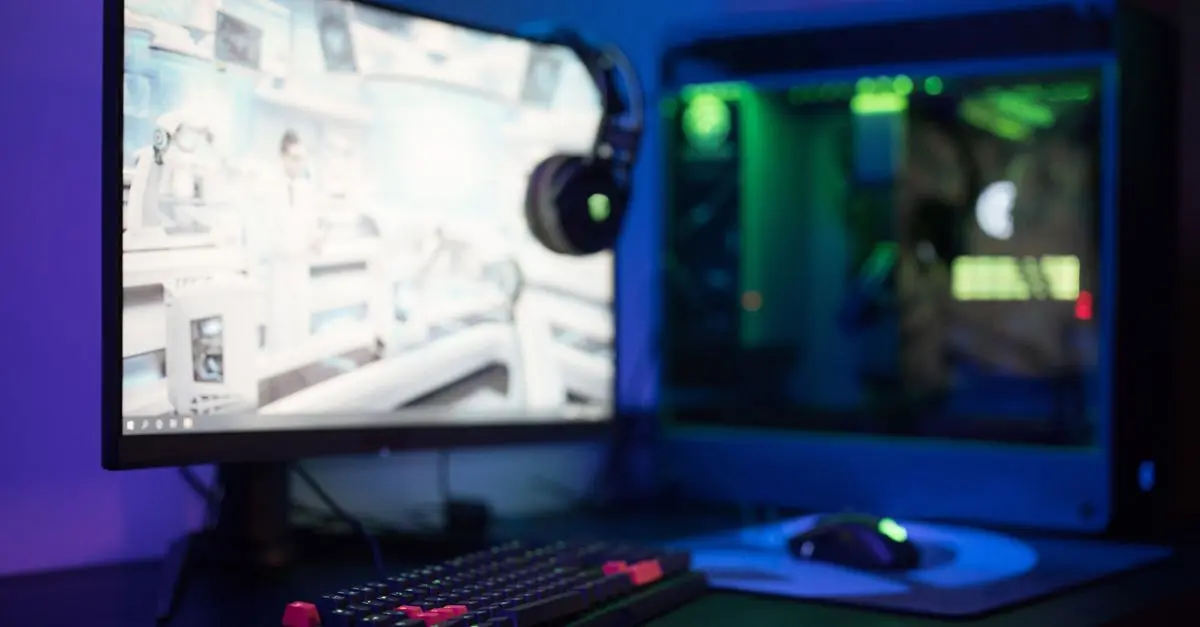
Designing a high-tech game room requires careful planning and the right equipment. Whether you are passionate about video games, virtual reality, or board games, a well-designed game room can enhance your leisure experience. In this tutorial, we will explore steps for creating a modern and engaging high-tech game room.
1. Plan Your Space
Before outfitting your game room, it's essential to plan its layout. Begin by measuring the room and identifying potential obstacles like windows or doors. Consider the games or technologies you want to include, as space will determine their positioning. A well-thought-out design ensures efficient use of the room and maximizes comfort for users.
For optimal sound distribution, place speakers away from corners to reduce echo. If you plan to include VR equipment, make sure there’s ample space for movement. Aim for a minimum clear area of 2x2 meters for VR usage, as recommended by Oculus.
2. Choose the Right Equipment
Selecting the right technology is crucial. For gaming consoles, brands like Sony and Microsoft have popular options. Ensure you have a current-generation console compatible with your games' preferences.
For screens, a 4K HDR display offers stunning visuals and deeper colors. According to Les Numériques, newer models with refresh rates of 120Hz are ideal for fast-paced games, providing smoother motion.
3. Optimize Connectivity
Gaining optimal connectivity is essential for a seamless gaming experience. Ensure your Wi-Fi setup maximizes your internet speed. It's recommended to use a wired connection when possible for minimal latency, especially for competitive gaming.
Routers supporting Wi-Fi 6, such as those by NETGEAR or ASUS, offer increased speeds and reliability. These routers improve connectivity in larger or multi-level homes, reducing lag and maintaining game quality.
4. Focus on Acoustics
Game immersion depends heavily on sound quality. Invest in a quality sound system or gaming headsets. Brands like Bose and Sennheiser offer models that deliver crisp and immersive audio experiences.
Soundproofing is another consideration. Acoustic panels can be installed on walls to reduce echo and improve game sound clarity. According to studies by Decibel Pro, enhancing room acoustics significantly boosts overall enjoyment.
5. Create the Perfect Lighting
Lighting transforms the atmosphere of a game room. Opt for adjustable RGB lighting strips that can change colors and intensity with a remote or smart assistant. Philips Hue offers customizable lighting solutions that sync with on-screen action, enhancing immersion.
Avoid overhead lights that cause screen glare. Instead, use floor lamps or backlighting behind screens for a more comfortable viewing experience.
6. Prioritize Comfort
Comfort should not be underestimated in a game room. Invest in ergonomic chairs that provide lumbar support. Brands like Herman Miller and Secretlab have chairs designed specifically for prolonged gaming sessions.
Arrange seating to allow clear sightlines and easy communication if multiplayer games are a priority. Adequate ventilation is also crucial to maintain a comfortable environment in extended gaming periods.
7. Incorporate Smart Features
Integrating smart technology can elevate your gaming room. Voice assistants like Amazon Alexa or Google Assistant can control lighting, adjust temperatures, or manage your media devices.
Smart thermostats and automated blinds help maintain the ideal room climate. Using these technologies ensures your game environment is optimal for both focus and relaxation.
8. Final Touches
Personalize your game room with decor that reflects your interests. Consider themes or wall art that showcase your favorite games or characters. Collectibles and memorabilia can add a personal touch, making the space uniquely yours.
⚠️ Note: Ensure any decor is not obstructive to equipment functionality or room ergonomics.
Glossary
| Terme | Définition |
|---|---|
| VR | Virtual Reality, a simulated experience that can be similar or different from the real world. |
| HDR | High Dynamic Range, a technology for better color contrast in images. |
| Wired Connection | An ethernet connection providing more stable internet compared to Wi-Fi. |
- [ ] Mesurer l'espace disponible
- [ ] Sélectionner les équipements de jeu prioritaires
- [ ] Vérifier la compatibilité des connexions
- [ ] Améliorer l'acoustique de la salle
- [ ] Tester les réglages d'éclairage
- Comment puis-je améliorer le son de ma salle de jeux ?
Installer des panneaux acoustiques et choisir un système de son de qualité améliorent nettement l'expérience.
- Quelle est la taille minimale recommandée pour une zone de VR ?
Une zone de 2x2 mètres est le minimum recommandé pour une expérience en réalité virtuelle.
- Quels sont les avantages d'utiliser un réseau Wi-Fi 6 ?
Le Wi-Fi 6 offre des vitesses plus élevées et une meilleure stabilité pour le jeu en ligne.
- Pourquoi investir dans des meubles ergonomiques pour une salle de jeux ?
Des meubles ergonomiques augmentent le confort et réduisent la fatigue pendant les longues sessions de jeu.
📺 Pour aller plus loin
Pour en savoir plus, regardez "Set Up the Ultimate Gaming Room", une analyse complète sur YouTube en recherchant : "ultimate gaming room setup".
🧠 Quiz rapide : Quels sont les avantages d'un écran 4K ?
- A) Moins de consommation d'énergie
- B) Meilleure qualité d'image
- C) Volume sonore supérieur
Réponse : B — Les écrans 4K offrent une qualité d'image supérieure avec une meilleure résolution.